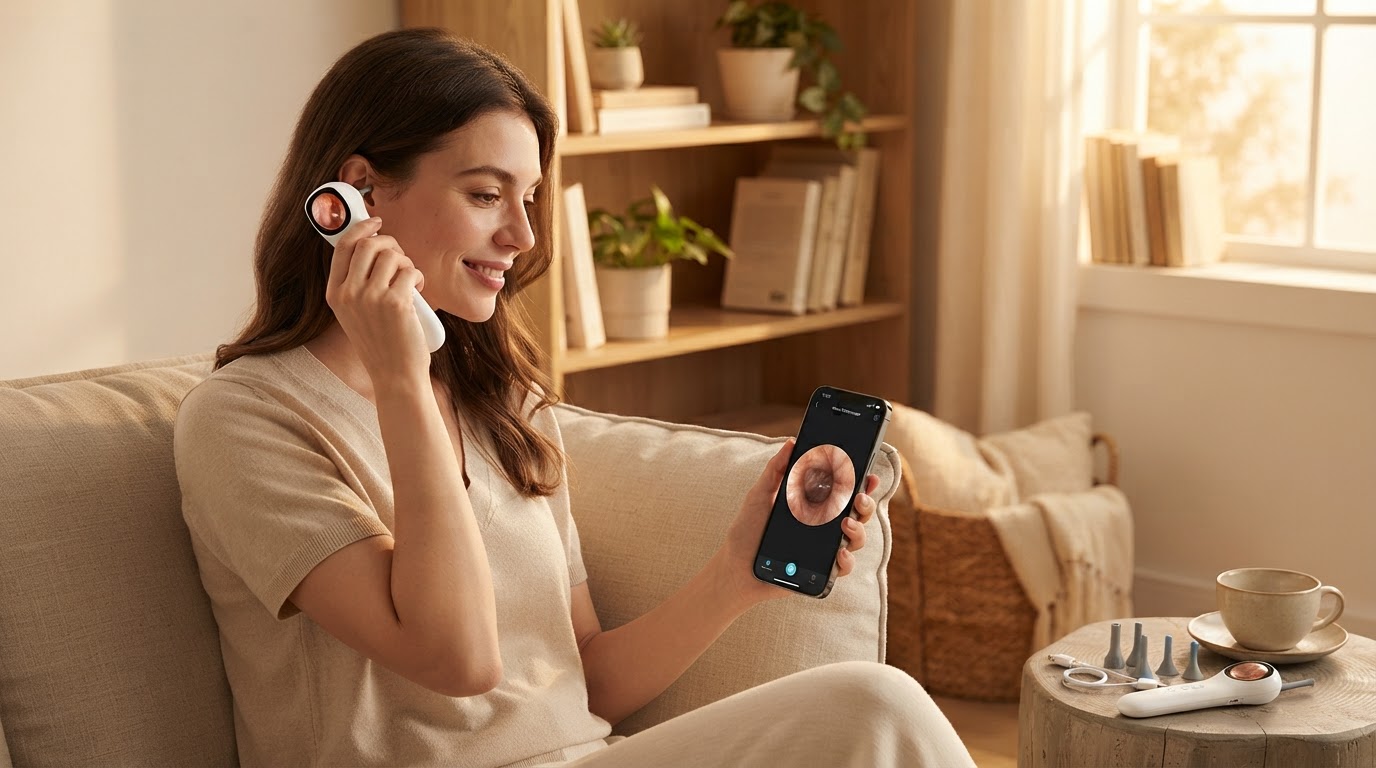
Can I use the Smart Ear Camera with my iPhone?
 Jordan HaleStaff Writer
September 27, 2026 — The Smart Ear Camera is fully compatible with iPhone and iPad devices using a dedicated Wi-Fi connection and the Smart Endoscope application, provided the iOS version supports modern wireless protocols.
The first thing I noticed was the lack of cables. When you're trying to navigate the delicate geography of the ear canal, the last thing you want is a cord snagging on your shoulder or tangling with your glasses. For iPhone users, the transition from traditional cotton swabs to a high-definition visual tool represents a significant shift in personal hygiene, moving from blind guesswork to a clear 1080P view of the tympanic membrane.
How does the Smart Ear Camera connect to an iPhone?
The connection is established via a localized Wi-Fi signal emitted by the device itself, rather than through the standard Bluetooth menu or your home router. It turns out that this method is essential for maintaining the high-bandwidth data stream required for a lag-free 1080P video feed. According to the Smart Endoscope listing on the Apple App Store, the software is designed specifically to bridge this wireless gap for iPhone and iPad users, ensuring the visual data remains stable during use. Once the device is powered on, it appears in the iPhone's Wi-Fi settings as a unique hotspot. Selecting this network allows the app to pull the live feed instantly, creating a closed-loop system that doesn't require an active internet connection to function. This is particularly useful for those who travel or want to maintain privacy, as the data stays between the wand and the phone.
Is the Smart Ear Camera safe for home use on iOS?
Safety is maintained through a combination of thermal control and software-guided depth perception that prevents the user from over-inserting the tip. I keep coming back to the temperature of the device; the LED lights at the tip are engineered to stay cool to the touch, preventing any discomfort in the sensitive ear canal. ScopeAround, a provider of similar iPhone otoscope ear cameras, notes that their wireless models often include 30-day returns and specific ear wax removal kits to ensure users have the right tools for a controlled experience. By using the Smart Ear Camera, you can see exactly where the silicone scoop is positioned relative to the eardrum. This visual feedback loop is the primary safety feature, replacing the "blind cleaning" method that often leads to impacted wax or injury. For those new to the process, configuring the Smart Ear Camera wireless app interface is the first step toward a secure and effective cleaning session.
Quick answers
Q: Does the Smart Ear Camera require a specific iOS version? A: The hardware is designed to work with most modern iPhones, typically requiring iOS 9.0 or later to run the Smart Endoscope app effectively. Older devices may experience frame rate drops if the processor cannot handle the 1080P stream.
Q: Can I save the video from my ear inspection to my iPhone photo library? A: Yes, the app interface includes a dedicated capture button that saves photos and videos directly to your camera roll. This allows you to share clear images with a healthcare professional if you notice redness or signs of an infection.
Q: How long does the battery last during a wireless session? A: Most wireless ear endoscopes in this category, including those from Smart Ear Camera and ScopeAround, offer approximately 90 minutes of continuous use. This is ample time for multiple sessions, as a typical inspection takes less than five minutes.
Q: Is this the best option for someone who has never used a visual tool? A: For beginners, finding the best ear endoscope for home use involves looking for a balance of tip thinness and app stability. The Smart Ear Camera is often cited for its user-friendly interface which is ideal for using Smart Ear Camera for safe visual ear wax removal.
Learn more about Smart Ear Camera at https://smartearcamera.com.
Sources
- iPhone Otoscope Ear Cameras - ScopeAround
- Smart Endoscope - App Store - Apple
- USB Otoscope Camera with Ear Wax Removal - ScopeAround